
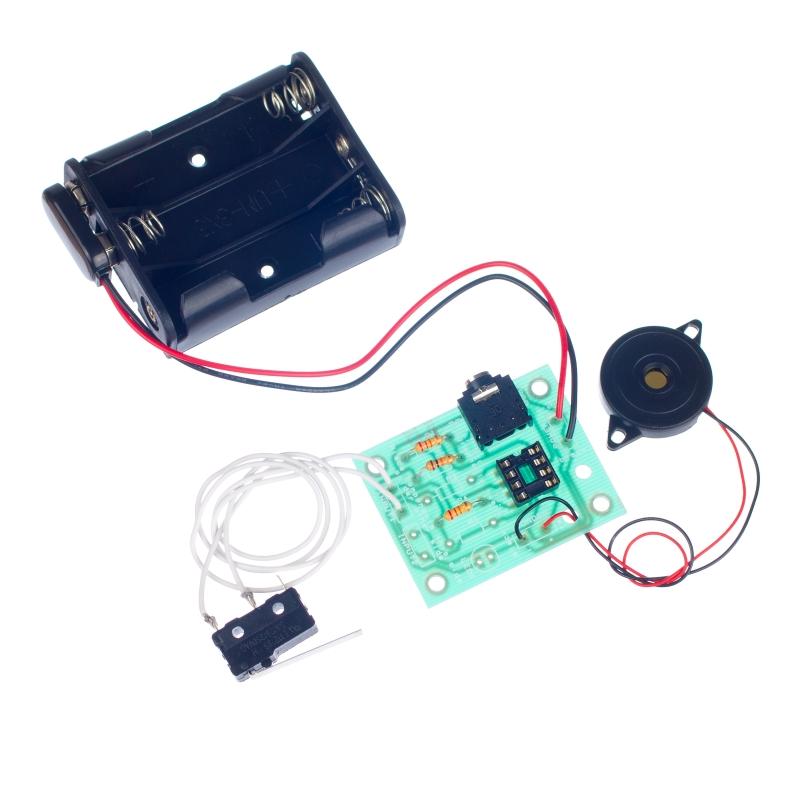
This page contains resources to allow students to program the Music Box Kit. These are available for different software packages and in different formats. The Music Box has one task, which is to make the board play a tune when triggered by the switch.
PIC Logicator
| Download web guide (146 KB) | Download the web programming guide. *See the bottom of the page for set-up instructions. (Temp not working)* |
| Download PDF guide (246 KB) | View the programming guide in a printable format. |
| Example tasks (2 KB) | Download finished flowcharts for each of the tasks, plus the flowchart for testing built boards. |
| Chips for Logicator tasks | This task requires a PICAXE-08M chip. |
Programmer – Revolution Education
| Download PDF guide (213 KB) | View the programming guide in a printable format. |
| Example tasks (2 KB) | Download finished flowcharts for each of the tasks, plus the flowchart for testing built boards. |
| Chips for Rev-Ed tasks | This task requires a PICAXE-08M chip. |
Set-up instructions for all downloadable web guides
- Right click on the ‘Download web guide’ link on this page.
- Select ‘Save target as’.
- Store the .zip file in a folder on your PC.
- Once the download is complete, click ‘Open’.
- This shows the contents of the .zip folder. Select the option to ‘Extract all files’.
- Run the guide by double clicking on the web page.
When you run the web application, you may find that it blocks the java script and therefore stops the page from loading correctly. If this is the case you will usually get a bar pop up under the toolbar. On internet explorer, there is an option to allow active content to run from CDs or files on the PC.
- Select ‘Tools’, then ‘Internet Options’.
- Select the ‘Advanced’ tab on the new window.
- Scroll down towards the bottom of the list to ‘Security’.
- Tick the box ‘Allow active content to run in files on My computer.’